
No DevOps. No fragmented tools. No months of setup. RetailMax ships production-ready — your domain, your language, your notifications. All live from minute one.
Install once on your Windows PC — RetailMax self-configures, assigns your domain, and runs your entire retail operation from your own hardware. No cloud subscription required.
RetailMax is i18n-ready at its core. Set language, currency, date format, and even RTL layout — all from settings. No code changes, no developer needed.
Every alert your retail operation needs is already wired — new orders, dispatch confirmations, low stock warnings, and customer notifications. Nothing to build.
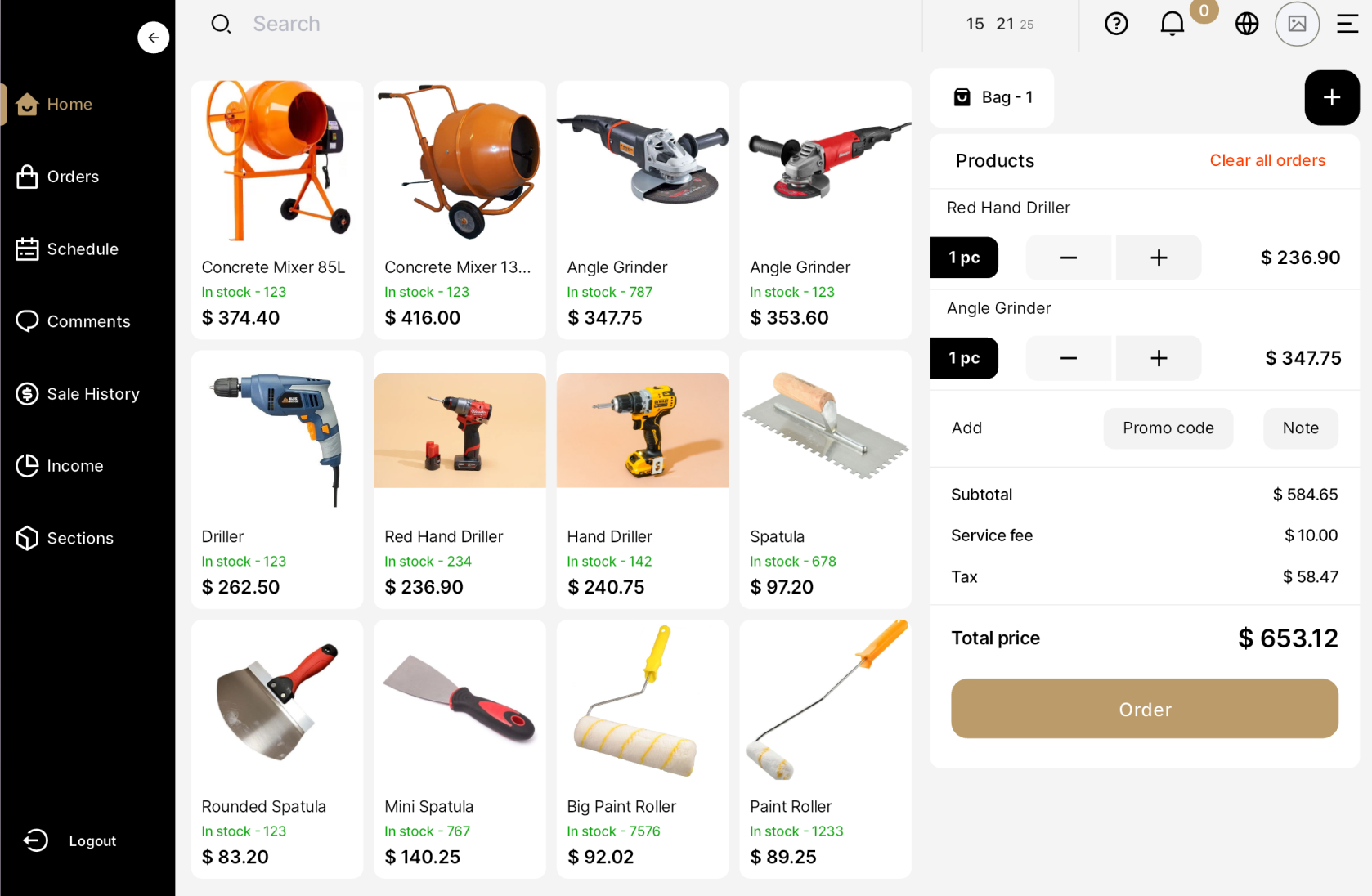
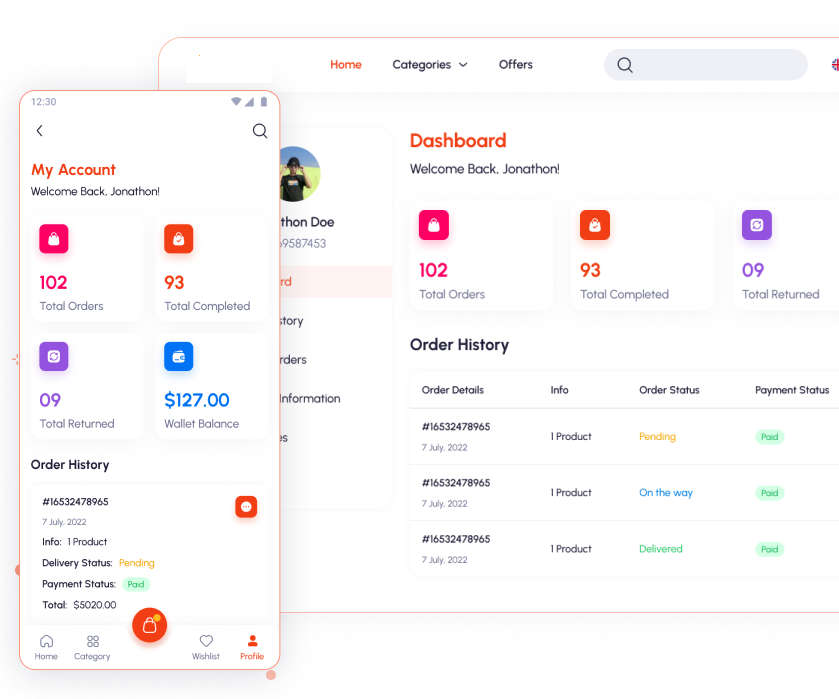
In-store POS, your online store, and your branded mobile app all report into the same live screen. Stock updates instantly across every channel with every transaction.
Your business PC runs everything — your domain, your online store, your mobile app, and every in-store POS transaction all flow into one central hub on your own hardware.
Track every item across your shelves and online store in real time. Purchases, damages, and adjustments — all logged and visible from one clean dashboard.
Unified stock pool. One inventory feeds your in-store POS, your website, and your mobile app simultaneously — no manual syncing, no spreadsheets.

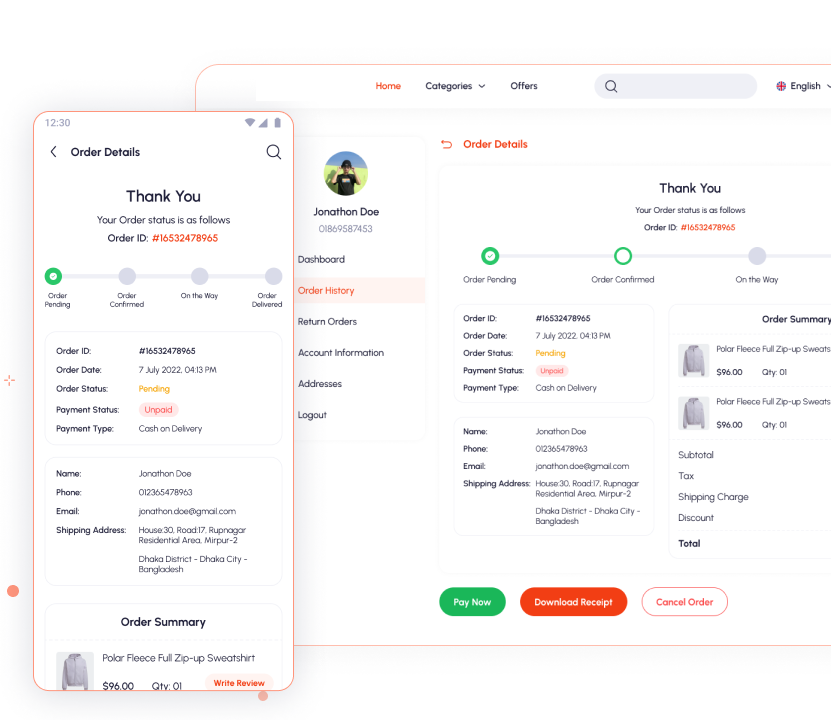
Each in-store transaction gets a complete order view — items, pricing, payment type, customer info, and one-tap invoice printing. Full audit trail, always.
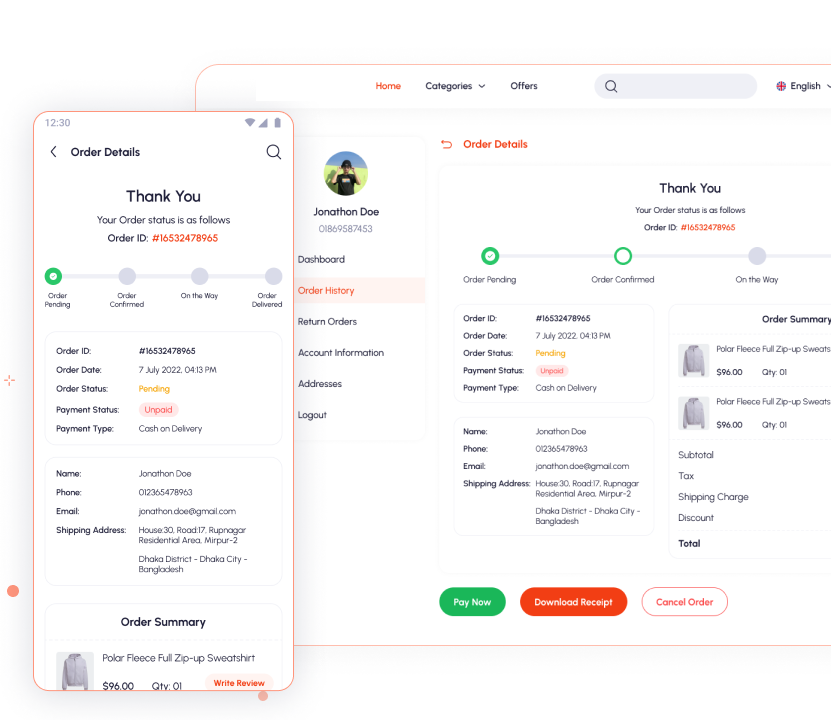
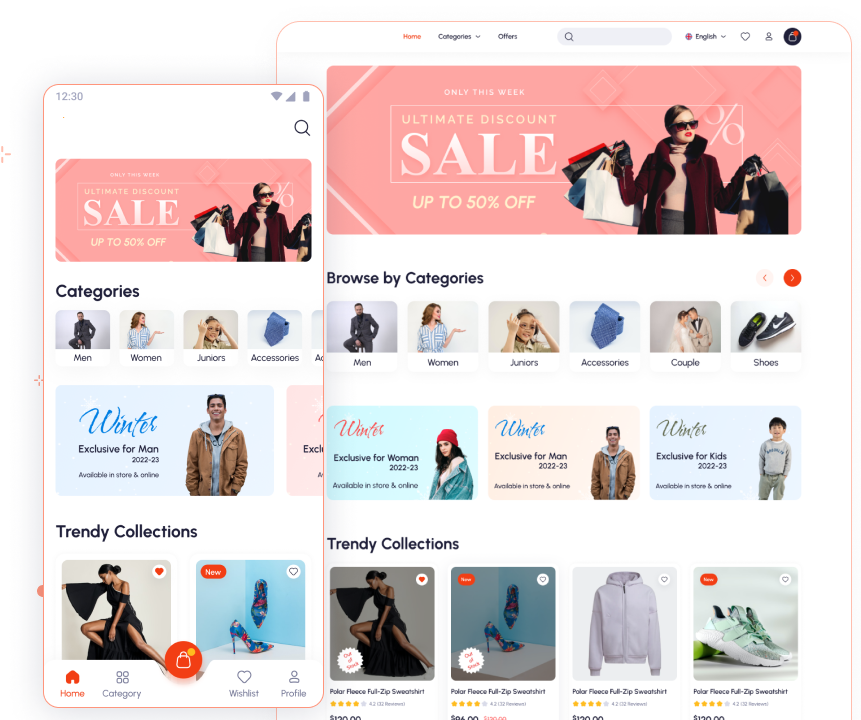
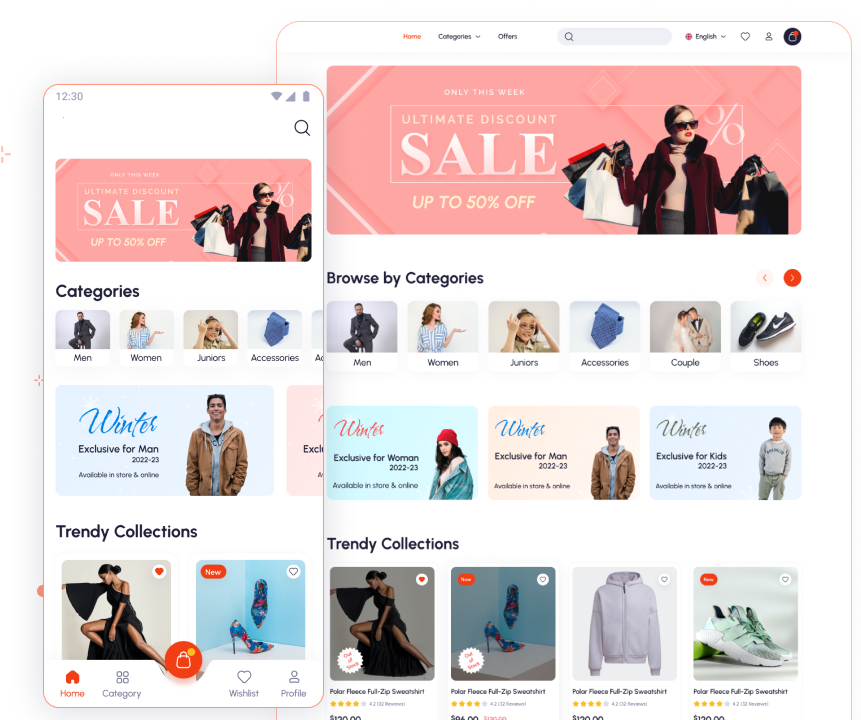
Give your customers a stunning, fully branded shopping experience — from hero banners to category browsing, product pages, and seamless checkout, on web and mobile.
Follow the step-by-step walkthrough. iClouds RetailMax installs directly on your Windows PC — no cloud, no DevOps, no IT team needed.
Run the iClouds RetailMax installer. On first launch it automatically scans for an existing license key. Reinstalling? Your license is found and reused — no re-entry needed.

Open your admin dashboard and go to Settings → Site. Set your language, currency, timezone, Google Maps key, and notification gateways — all from one screen, no code needed.

Head to Dashboard → Stock to see your product inventory. Filter by name or status, check quantities, log purchases from suppliers, and record any damaged or written-off items.

Go to Dashboard → Products and start building your catalogue. Add product name, price, category, images, and descriptions. Set item type, featured status, and toggle active/inactive instantly.

No overengineering. No juggling subscriptions. Just iClouds RetailMax — and you're live.
Have a question about RetailMax? Want a demo? Looking to discuss pricing? Drop us a message and we'll be back with you fast.